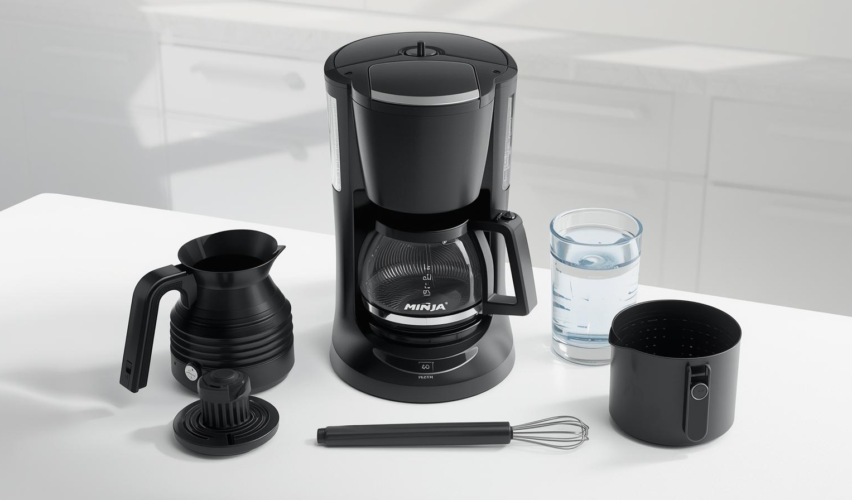
Ninja coffee makers stay reliable when you do two things consistently: wash the removable parts (to remove coffee oils) and run the built-in CLEAN/descale cycle (to remove mineral scale) when the machine tells you to. Both issues—oily residue and limescale—can affect flavor and brewing performance. See the cleaning/descaling sections in the Ninja DualBrew owner’s guide and the Ninja PB040/PB050 owner’s guide.
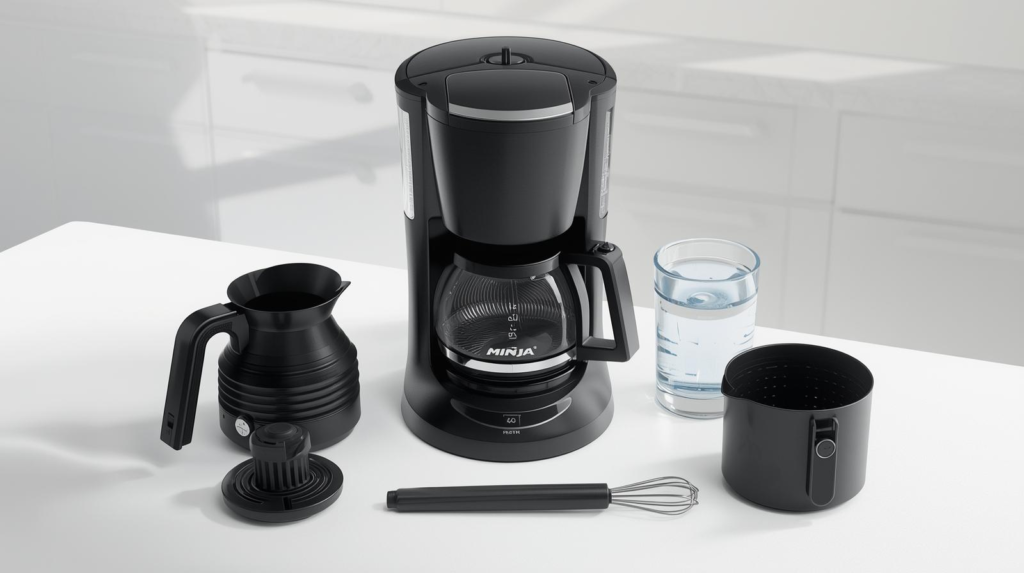
What you’ll need
- Mild dish soap + a soft sponge/brush (a bottle brush for the carafe helps)
- Clean towel or drying rack
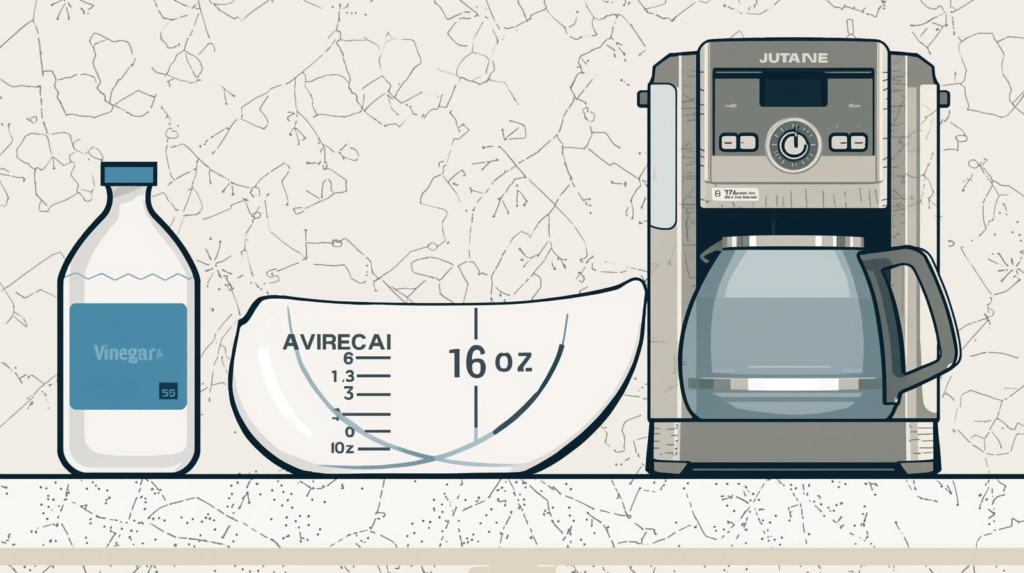
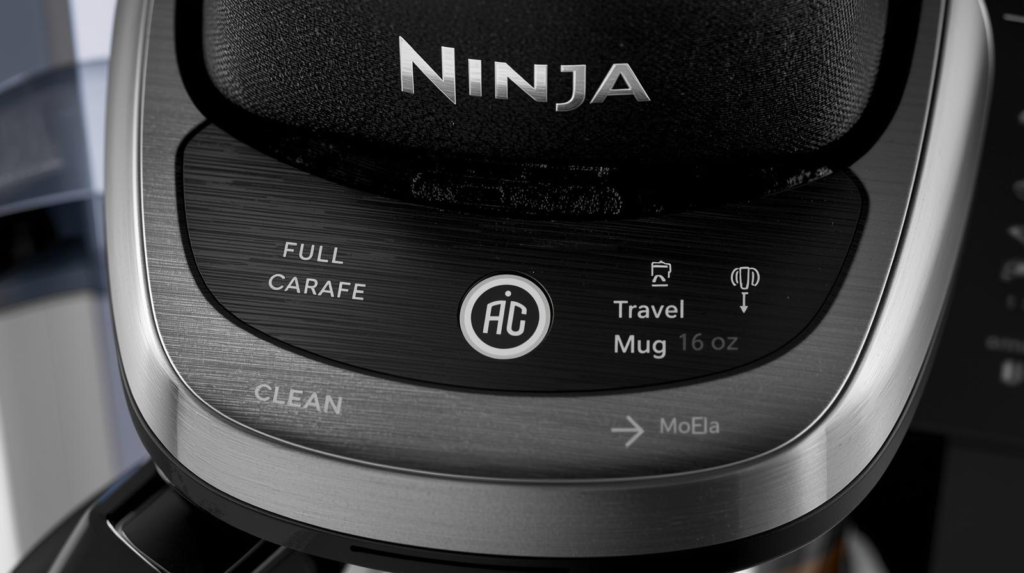
- White vinegar (many Ninja models specify 16 oz to the ‘Travel Mug’ line) or a coffee-maker descaling solution (follow the product label)
- A vessel/carafe large enough to catch the full cycle output (some models warn you need at least ~56 oz capacity)
These quantities and capacity notes appear in the PB040/PB050 guide and multiple Ninja clean-cycle instructions like the Hot & Iced Coffee Maker guide.
After every brew (the fast clean)
- Remove grounds/pod and discard.
- Wash removable parts with warm, soapy water:
- Brew basket / filter holder / permanent filter (model-dependent)
- Carafe and lid
- Frother whisk (if your model has one)
Ninja’s care sections emphasize hand-washing key accessories like the brew basket/permanent filter, and list removable parts on models like the PB040/PB050 guide and DualBrew guide.
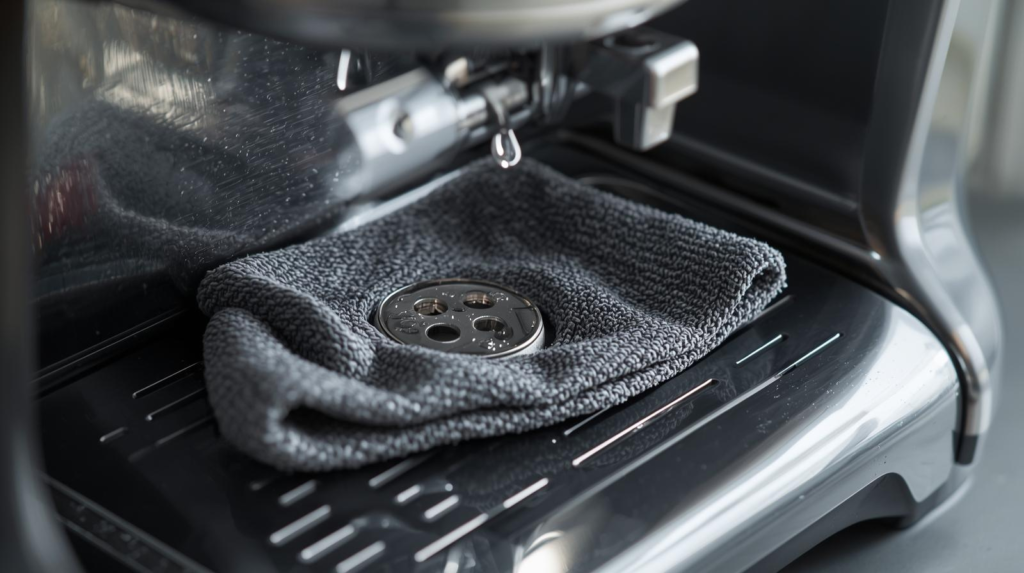
- Wipe the machine body with a damp cloth—don’t immerse the unit. This caution shows up directly in Ninja cleaning materials like Ninja Perfect Clean Technology and is standard in owner’s guides such as the CM401 Specialty guide.
Weekly (prevents smells and buildup)
- Rinse and wash the water reservoir with warm, soapy water, then refill with fresh water for the next brew—this kind of routine reservoir care is called out in the DualBrew guide and aligns with how Ninja describes regular upkeep in manuals like the CM401 Specialty guide.
Deep clean: run the Ninja CLEAN / Descale cycle
Mineral scale builds up faster with hard water, and Ninja manuals explain the CLEAN indicator illuminates when descaling is recommended because scale can affect performance and coffee flavor. See the Ninja Hot & Iced Coffee Maker guide and the PB040/PB050 guide.
Step 1: Choose your cleaning solution
Use either:
- A descaling solution made for coffee makers (follow the label), or
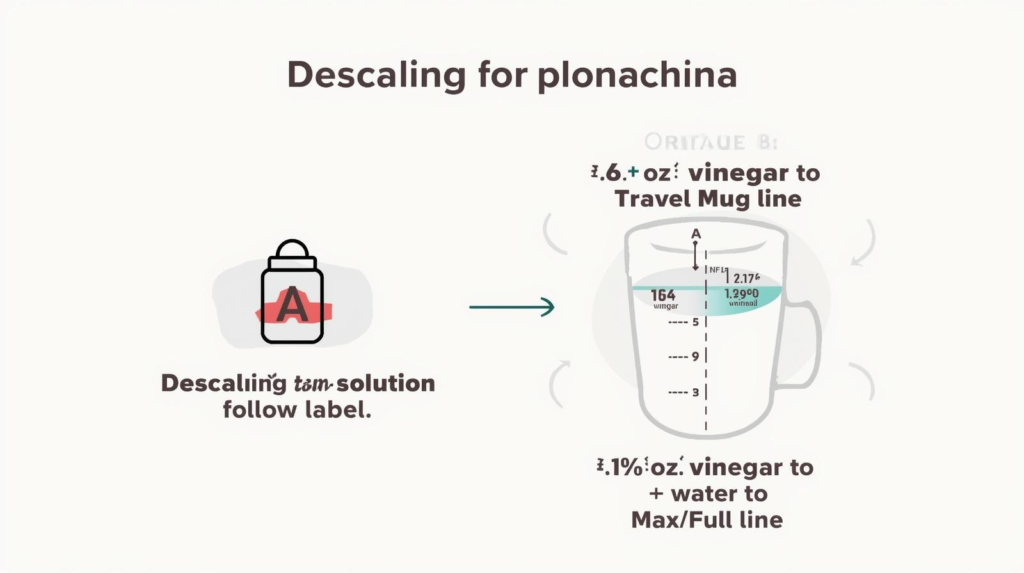
- White vinegar + water (many Ninja models specify filling vinegar to a line, then topping with water)
Examples of Ninja’s vinegar instructions:
- CM401 Specialty: vinegar to Travel Mug line (16 oz), then water to Max Fill in the CM401 owner’s guide and Perfect Clean Technology sheet.
- Hot & Iced: vinegar to Travel Mug line (16 oz), then water to the Full line in the Hot & Iced guide.
Step 2: Set up the machine
- Put an empty carafe or large vessel under the brew outlet/nozzle.
- Make sure there are no grounds or pods in the system (several Ninja guides explicitly say this before cleaning). See the pre-clean steps in the PB040/PB050 guide and the setup notes in the DualBrew guide.
Step 3: Start CLEAN (the exact buttons depend on your model)
If you have a Ninja DualBrew (pods + grounds)
- Fill the reservoir with your solution.
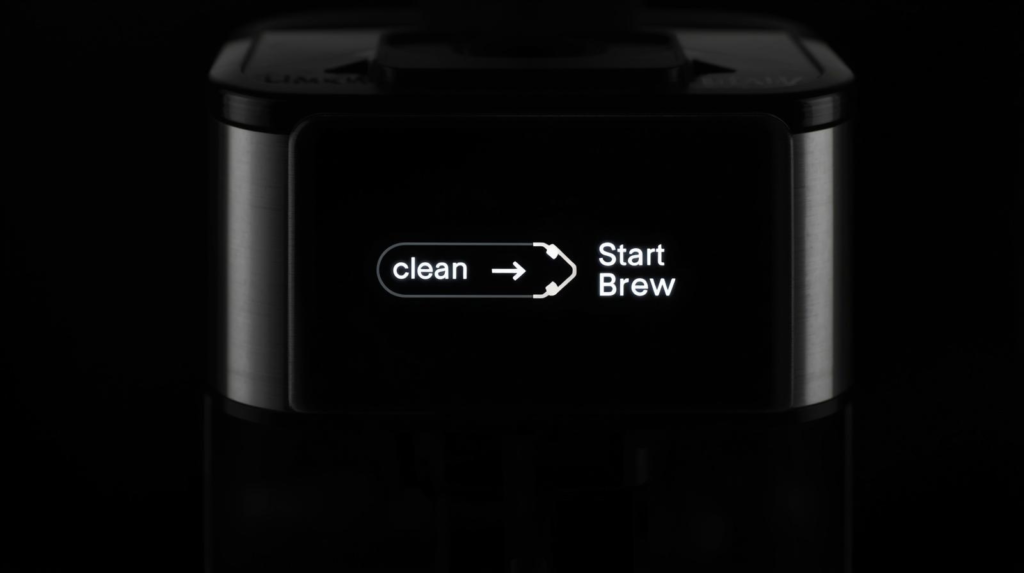
- Press CLEAN, then press START BREW to confirm.
- Expect about 75 minutes for many DualBrew models (the manual describes the timed, pulsed delivery during the cycle).
This sequence and timing are stated in the Ninja DualBrew owner’s guide.
If you have a Ninja PB040 / PB050 (Single-Serve Pods & Grounds)
- Insert the Permanent Filter or Ninja Pod Adapter (empty—no coffee/pod).
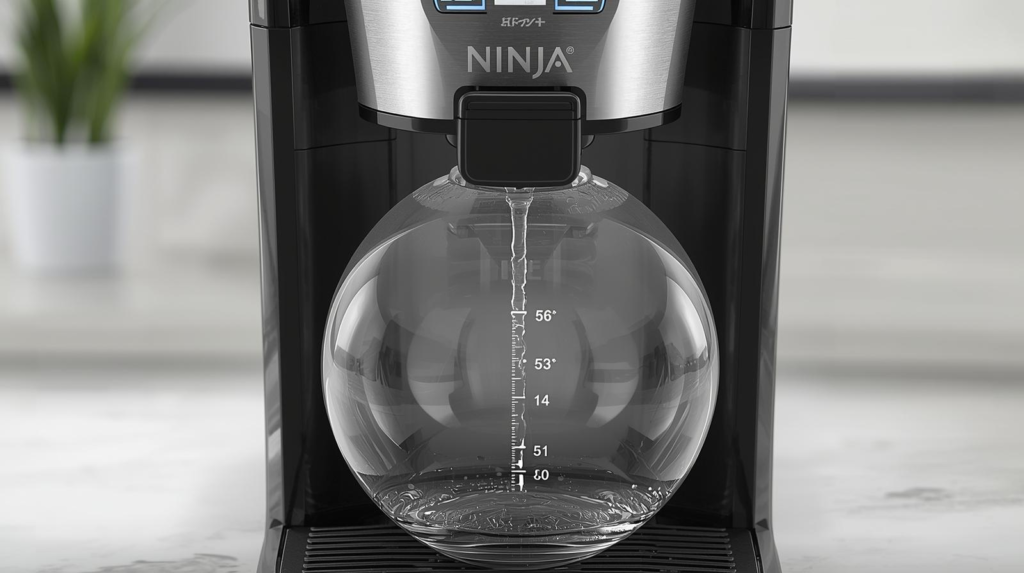
- Place a vessel that can hold at least 56 oz under the nozzle.
- Fill reservoir with 16 oz white vinegar, then add water up to MAX.
- Run CLEAN (the guide notes the clean cycle takes about 75 minutes).
All of this is laid out in the PB040/PB050 owner’s guide (including the 56 oz capacity note and the 16 oz vinegar instruction).
If you have a Ninja Specialty (CM401 / similar)
A common Ninja instruction set for Specialty models is:
- Use Full Carafe, fill vinegar to Travel Mug (16 oz) then water to Max Fill, then press CLEAN.
This appears in the CM401 Specialty owner’s guide and is echoed in Ninja’s Perfect Clean Technology sheet.
Step 4: Flush with clean water (don’t skip this)
After the CLEAN cycle finishes:
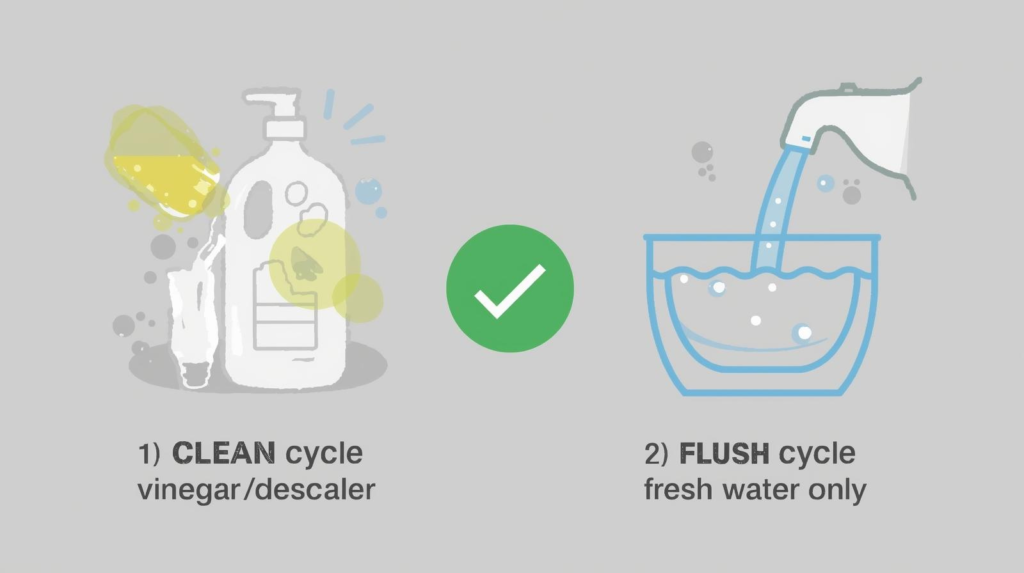
- Empty/rinse the carafe and reservoir, then run water-only brew(s) to flush out vinegar/descaler residue. Ninja’s clean-cycle docs explicitly require a flush step (and some versions warn it must start soon after the clean cycle ends). See the required flush guidance in Ninja Perfect Clean Technology and the post-clean instructions in the DualBrew owner’s guide.
If you brew pods: check the pod adapter rules
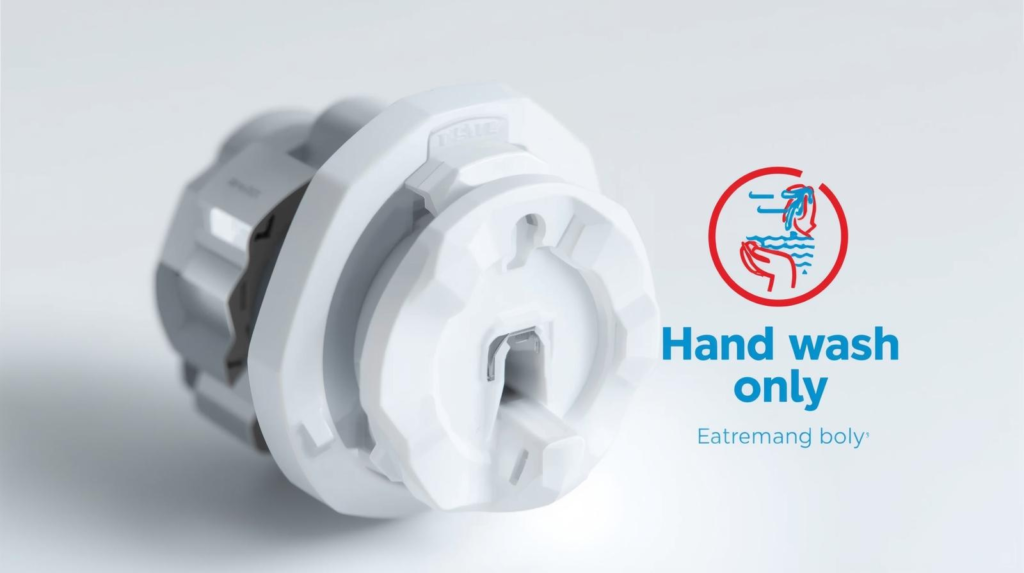
Some Ninja manuals include specific do-not-dishwash notes for pod adapters and other parts. For example, the DualBrew guide explicitly warns about dishwashing the Ninja Pod Adapter, and the PB040/PB050 guide shows the pod adapter as a removable accessory that should be cleaned appropriately.
How often should you descale?
A practical rule is: descale when the CLEAN indicator lights up, because Ninja states it’s triggered when scale buildup may be affecting flavor/performance. That guidance is stated directly in the Hot & Iced guide and in the clean-cycle explanation in the PB040/PB050 guide. If you use hard water, Ninja notes scale accumulates faster and cleaning may be needed more often (see the same Hot & Iced guide).

Quick troubleshooting (cleaning-related)
- Coffee tastes bitter or “old”: wash the brew basket, filter holder, and carafe lid more thoroughly (coffee oils cling there), then run a flush brew with water. Routine washing guidance appears across manuals like the CM401 guide and PB040/PB050 guide.
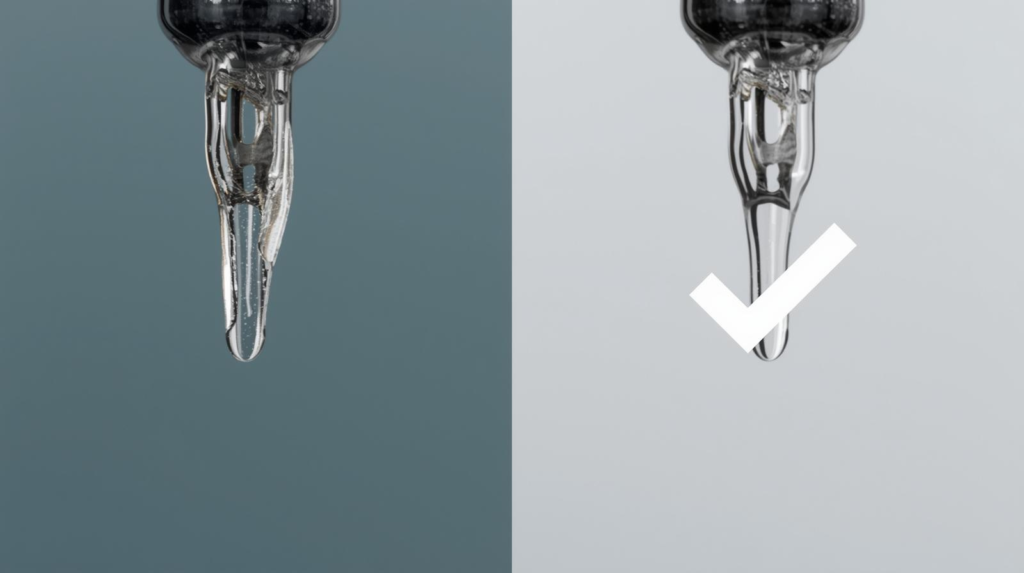
- Brewing slows down: run CLEAN/descale—Ninja describes the clean cycle as the way to address calcium scale buildup affecting performance in the PB040/PB050 guide and ties the CLEAN indicator to scale impacts in the Hot & Iced guide.
Summary
- Daily: wash removable parts with warm, soapy water; wipe the exterior (don’t immerse the unit).
- When the CLEAN light comes on: run the built-in CLEAN/descale cycle using descaler or vinegar (often 16 oz to the Travel Mug line), then flush with fresh water.
- Hard water = more frequent cleaning (Ninja says scale forms faster).